Learn
Watch our tutorials, play with the examples or sign up for a workshop.
Also make sure check out our extensive User Manual to get a clear explanation to all the features.
Tutorials
Start learning Karamba3D with these Tutorials. Basic Karamba3D set ups, parametric workflow processes and interoperability between softwares are explored in a wide range of tutorials.
Examples
Example definitions showing various features of Karamba3D. Each example includes subsequent Grasshopper definitions and Rhino files.
Workshops
Want to get a crash course into how to use Karamba3D. Why not sign up to one of our workshops with our highly experienced and trained professionals.
Tutorials
Learn Karamba3D with a wide range of tutorials and guides.
Interested to learn more about a specific topic? Then make a suggestion on our Discussion Forum.
Scripts on Github Scripts on Sharepoint

By loading the video, you agree to Vimeo's privacy policy.
Learn more
In this video we show you how to implement a single objective optimization procedure to design a Truss using Karamba3D. Various parameters control the heights and position of the pitch to allow for quick design exploration. The procedure optimizes to reduce the maximum deflection of the structure.
Download the GH-File
Find the Resources Repository here.
Presenter: Matthew Tam
By loading the video, you agree to Vimeo's privacy policy.
Learn more
In this video we show you how to use the Cross Section Optimization component in Karamba3D to optimize the sizes of your beams. The algorithm takes into account the cross sections load bearing capacity and optionally limits the maximum deflection of the structure.
Download the GH-File
Find the Resources Repository here.
Presenter: Matthew Tam
By loading the video, you agree to Vimeo's privacy policy.
Learn more
In this video Daniel shows a parametric truss that is programmed in C#, called „TrussMaker“. With this tool, you can choose between the truss-types Pratt, Warren, K-Truss, and Vierendeel.
Download the GH-File
Find the Resources Repository here.
Presenter: Daniel Prost
By loading the video, you agree to Vimeo's privacy policy.
Learn more
In this video Danel Prost explains how to set up a CFD Simulation using OpenFOAM in Butterfly to generate wind loads for analysis in Karamba3D.
Download the GH-File
Download Butterfly
Presenter: Daniel Prost
By loading the video, you agree to Vimeo's privacy policy.
Learn more
In this video Matthew Tam explains how to set up a portal frame in Karamba3D.
Download the GH-File
Presenter: Matthew Tam
By loading the video, you agree to Vimeo's privacy policy.
Learn more
We have finally released Karamba3D for Mac. Install and test it out the features now!
Make sure you have a license installed to use all the features. There is no Zoo-Cloud license mechanism in place yet, so standalone licenses are offered. Otherwise you can apply for a test license.
We have finally released Karamba3D for Mac. Install and test it out the features now!
Make sure you have a license installed to use all the features. There is no Zoo-Cloud license mechanism in place yet, so standalone licenses are offered. Otherwise you can apply for a test license.
By loading the video, you agree to Vimeo's privacy policy.
Learn more
In this video Clemens explains basic principles of buckling and how it is addressed using Karamba3D.
Download the GH-File
Presenter: Clemens Preisinger
In this video Clemens explains basic principles of buckling and how it is addressed using Karamba3D.
Download the GH-File
Presenter: Clemens Preisinger
By loading the video, you agree to Vimeo's privacy policy.
Learn more
In this video we reconstruct Piere Luigi Nervis floor slabs where the ribs underneath the floor follow the principal moment lines of the slab – an idea of one of his employees. It is explained how to create the basic system using Karamba3D and Hops.
Download the GH-File_1 & GH_File_2
Presenter: Georg Lobe
In this video we reconstruct Piere Luigi Nervis floor slabs where the ribs underneath the floor follow the principal moment lines of the slab – an idea of one of his employees. It is explained how to create the basic system using Karamba3D and Hops.
Download the GH-File_1 & GH_File_2
Presenter: Georg Lobe
By loading the video, you agree to Vimeo's privacy policy.
Learn more
This video shows a method of using Kangaroo to perform a form finding procedure of a membrane. This membrane is then brought into Karamba3D for structural analysis.
Download the GH-File
Presenter: Matthew Tam
This video shows a method of using Kangaroo to perform a form finding procedure of a membrane. This membrane is then brought into Karamba3D for structural analysis.
Download the GH-File
Presenter: Matthew Tam
By loading the video, you agree to Vimeo's privacy policy.
Learn more
In this video we introduce you to membranes in Karamba3D.
Download the GH-File
Presenter: Matthew Tam
In this video we introduce you to membranes in Karamba3D.
Download the GH-File
Presenter: Matthew Tam
By loading the video, you agree to Vimeo's privacy policy.
Learn more
In this video we explain how buckling is handled.
Download the GH-File
Presenter: Clemens Preisinger
In this video we explain how buckling is handled.
Download the GH-File
Presenter: Clemens Preisinger
Examples
Filter through our extensive collection of examples that showcase various features, Karamba3D components and parametric workflows.
Examples are available for Karamba3D 2.2.0. Examples for previous releases can be found on Food4Rhino.
For those interested in scripting, please refer to the following documentation and examples:
Difficulty
Pointloads on a Shell
Simple
Element Set with Shells
Simple
Moving Pointload on Cantilever
Simple
Element Sets in a Beam Grid
Simple
Zollamtssteg
Simple
Simple Frame
Simple
Shell Cross Section Optimization
Simple
Optimization of Support Positions
Simple
Input Surfaces and Analyse as a Shell
Simple
Input Curves and Analyse as a Truss
Simple
Parametric Truss
Simple
Single Span Beam
Simple
Simple Supported Beam
Simple
Optimization of Truss Diagonals
Simple
Simple Beam
Simple
Membrane Form Finding
Medium
Input Any Shell
Medium
Shells and Beams
Medium
Force Flow Lines
Medium
Space Ball
Medium
Buckling Simulation for 3D Printing in Fresh Concrete
Medium
Input Surfaces and Analyze Structure
Medium
Input Curves and Analyze Structure
Medium
Optimization of a Shell Bridge
Medium
Buckling Bridge
Medium
BESO of Bracing Wall
Medium
Optimization of an Irregular Structure
Medium
Cross Section Heights From Moments
Medium
High Rise Systems
Medium
Truck on Bridge
Medium
Find Material Distribution
Hard
Smooth Cross Section Heights from Moments
Hard
Set Smart Modules
Hard
Optimization of Column Positions
Hard
Large Deformation of a Shell
Hard
Projected Array of Lines
Hard
Projected Voronoi Pattern Gridshell
Hard
Large Deformation of a Triangular Grid
Hard
Large Deformation of Voronoi Gridshell
Hard
Informed Geometry – Scale Openings by Inner Forces
Hard
Find our latest workshops published here and register now to secure a spot.
If you wish to host a Karamba3D workshop at your company or institution, please email us at [email protected].
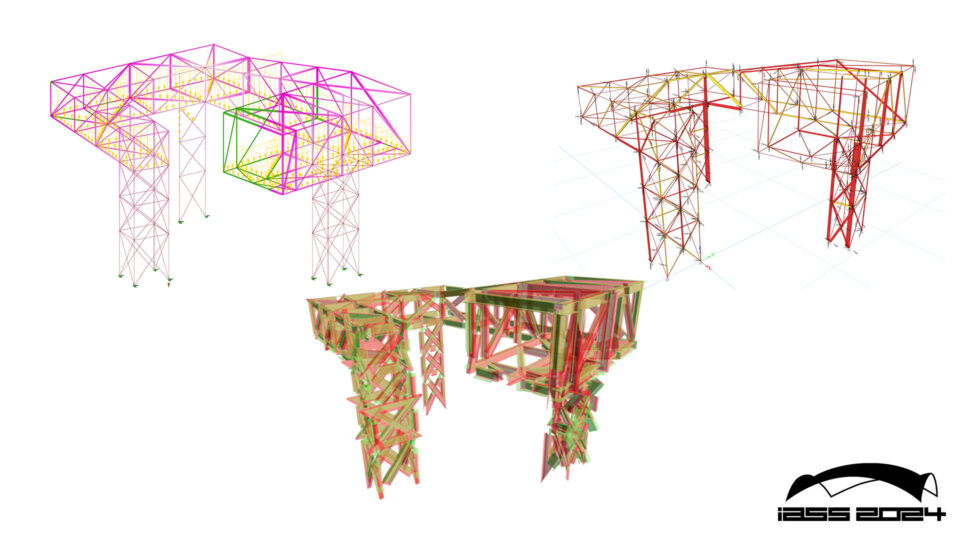
IASS 2024 – Parametric Engineering with Karamba3D: Enhancing Collaboration and Sustainability
August 25, Zürich
This workshop focuses on leveraging the capabilities of Karamba3D, a parametric engineering platform embedded in Grasshopper, to enhance collaborative design and incorporating life cycle analysis into early-stage structural design. We will dive into enabling effective teamwork through simultaneous work on shared sketch 3d models, facilitated by the integration of Speckle, a cloud platform designed for real-time data sharing and collaboration in the AEC industry. Participants will gain hands-on experience in utilizing Karamba3D for structural optimisation whilst leveraging the Compas framework to connect to Carbon databases to provide rapid LCA checks. The workshop aims to equip participants with the knowledge and skills necessary to foster a collaborative work environment, streamline workflows, and enhance project outcomes through the synergistic use of these advanced technological tools.
Registration
Tutors: Clemens Preisinger, Georg Lobe, Keerthana Udaykumar, Matthew Tam and Viki Sándor
Program:
Morning: Introduction Lecture / Tutorial Session – parametric engineering with Karamba3D & collaboration in the cloud with Speckle / Exploratory work session
Afternoon: Tutorial Session – integration of LCA & visualisation of data with dashboards / Exploratory work session / Discussion
Participant numbers: min 10, max 25 | Requirements: laptop (windows is preferred) | Prerequisites: previous knowledge in Rhino/Grasshopper/Karamba3D/Speckle/Compas would be greatly beneficial
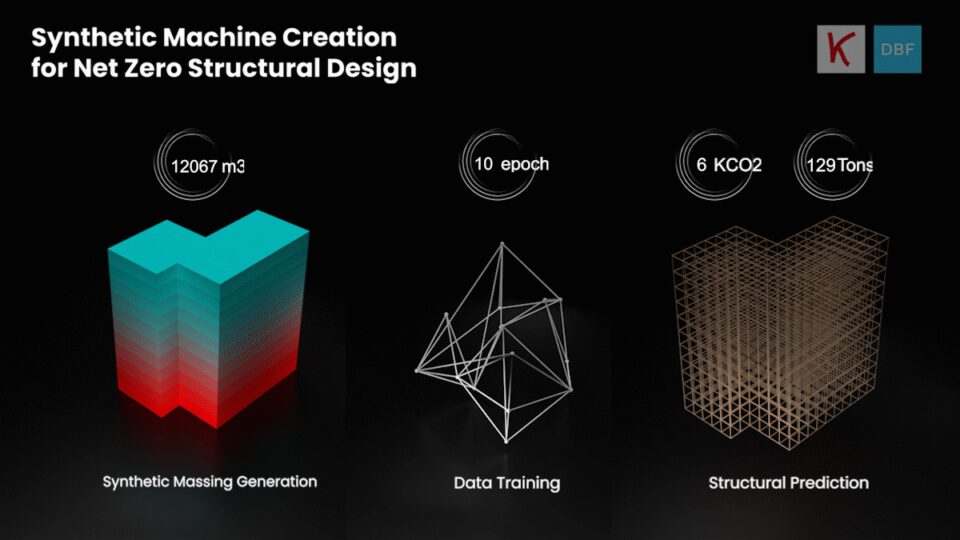
AAG2023 – Net-Zero Structural Design Using Synthetic Data
October 4-5, Stuttgart
Generative Structural Design for Rapid Cost and Embodied Carbon Evaluation
Embodied carbon from building materials and construction accounts for 11% of the total global carbon emissions with a building’s superstructure being the most significant source. The building industry urgently needs to transition to carbon sequestering structural materials to meet UN climate targets. However, the time-intensive nature of structural design creates a significant bottleneck. In early design stages, sharp deadlines mean architects and engineers will likely stick to tried-and-tested, but environmentally harmful, options like steel and concrete. As a result, to speed-up adoption of more sustainable structural materials, like mass timber, early-stage structural design must be re-imagined.
Registration
We have developed a novel data-driven structural design process which leverages synthetic data generation, and machine learning predictions to meet this demand. This user-friendly design tool (https://co2-demo.app.bluefoam.io/ ) was the result of a research collaboration between Digital Blue Foam and Karamba3D in initiated at DigitalFUTURES 2022. The first prototype allows project stakeholders to quickly generate and compare structural design options and scenarios with respect to cost, embodied carbon and sequestered carbon.
The goal of the workshop is to collectively brainstorm with the wider AEC community, generating ideas and develop concepts that can be used to further improve the tool, to become a viable solution for architects and engineers alike to perform and evaluate early-stage structural design. The current ML model should be expanded to include larger datasets and more complex projects. Current limitations to the structural typologies selected also limit the potential of the tool, often taking a conservative. Through incorporating data from existing buildings or projects we can start to validate the machine learning model’s predictions and provide more accurate and relevant results. The participants of the workshop will learn how to generate and use synthetic structural data in machine learning based workflows.


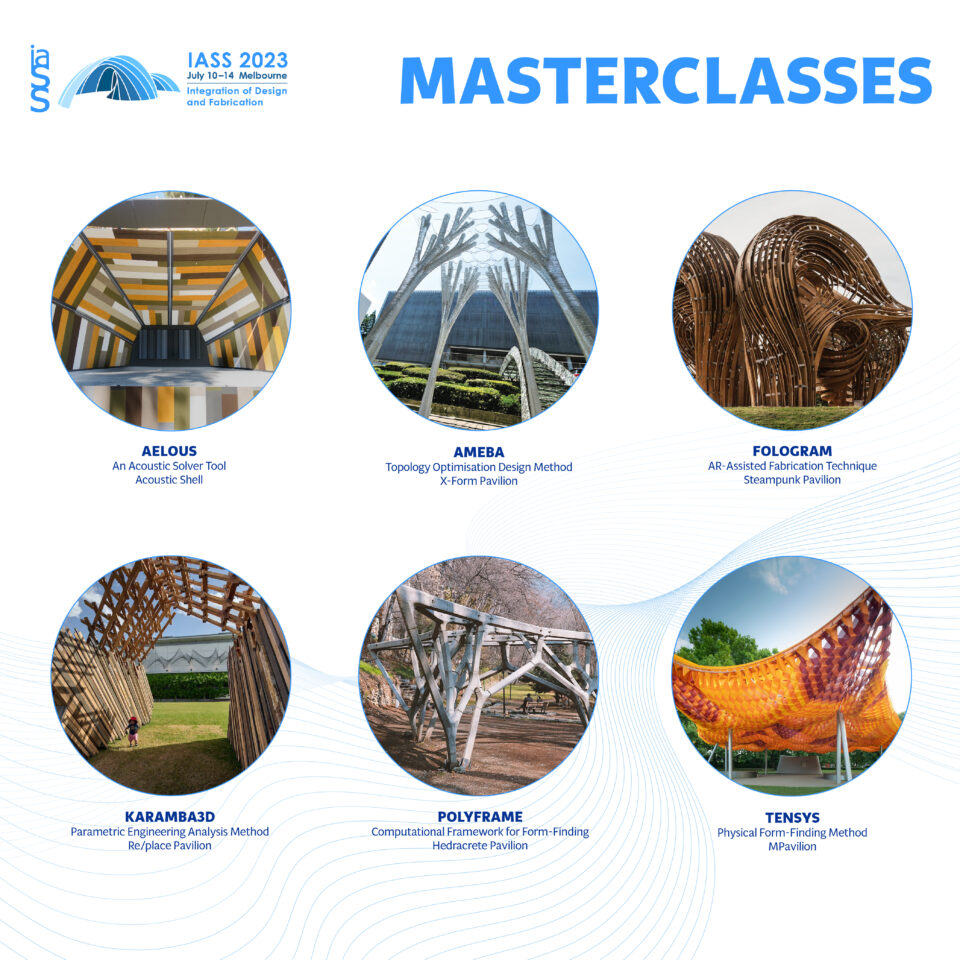
IASS 2023 Masterclass
July 10-14, Melbourne
As part of the symposium, IASS 2023 offers a series of exciting Masterclasses, delivered by experts from world-leading institutions and technology companies.
The Masterclasses will be taught in person at the symposium venue. They are free for registered symposium participants, and the seats for the workshop are limited (max 18 ppl per class).
Registration
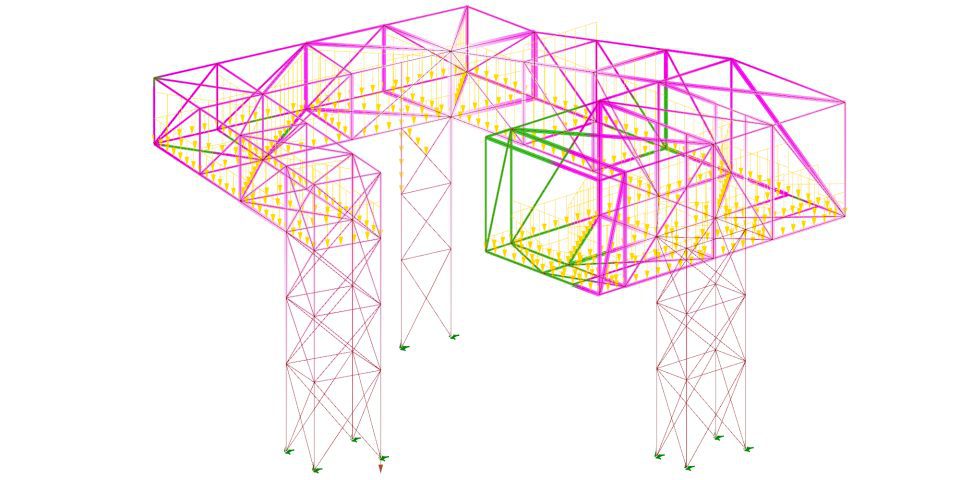
Deep Dive into Beams
Host: Karamba3D
Date: 26th May 2023
Time: 9:00-12:00 CEST
Cost: 160€ Full Fee | 80€ Student
Explore advanced techniques of working with complex structural models in this intermediary course. We will use practical examples to guide you through the essentials of creating efficient parametric beam models.
These online group training sessions provide the opportunity to gain expert knowledge and exchange with our experienced team.
This workshop is aimed at immediate to advanced users.
You will expect to:
-
Design and develop complex beam structures
-
Introduction to structural optimization
-
Create basic animations from Rhino/Grasshopper
-
Extracting the results of a structural calculation for
Prior knowledge of Karamba3D is required for this course.
General knowledge of Rhino & Grasshopper is required.
Karamba3D licenses for non-commercial use will be provided to the participants free of charge. Participants should have a working license of Rhino3D – a three-month trial can be downloaded from the Rhino website.
Register Here
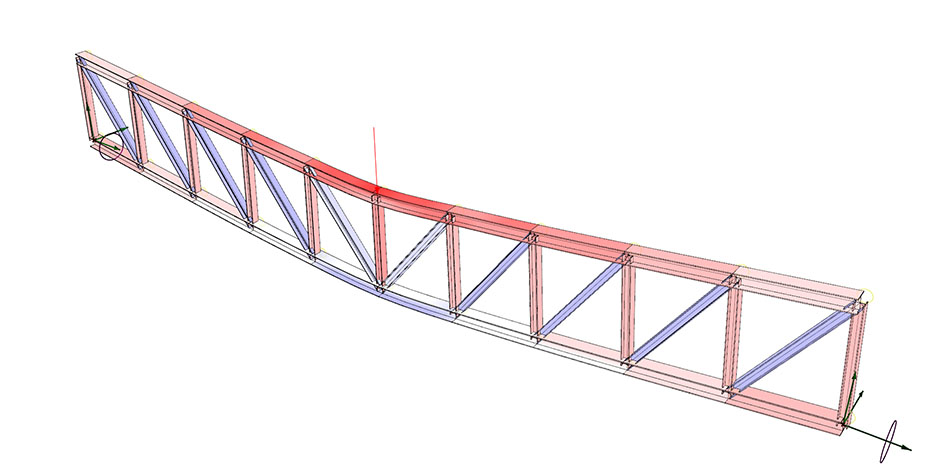
Introduction to Beams
Host: Karamba3D
Date: 31st March 2023
Time: 9:00-12:00 CEST
Cost: 160€ Full Fee | 80€ Student
Learn the basics and how to work efficiently with the software in this introductory course. We will use practical examples to guide you through the fundamentals of creating beam models.
These online group training sessions provide the opportunity to gain expert knowledge and exchange with our experienced team.
This workshop is aimed at beginners.
You will expect to:
-
Set up a simple parametric structural system using beam elements
-
Work with loads and load cases
-
Optimize cross sections
-
Visualize and interpret results of the structural calculation
No prior knowledge of Karamba3D is required for this course.
General knowledge of Rhino & Grasshopper is highly recommended.
Karamba3D licenses for non-commercial use will be provided to the participants free of charge. Participants should have a working license of Rhino3D – a three-month trial can be downloaded from the Rhino website.
Register Here
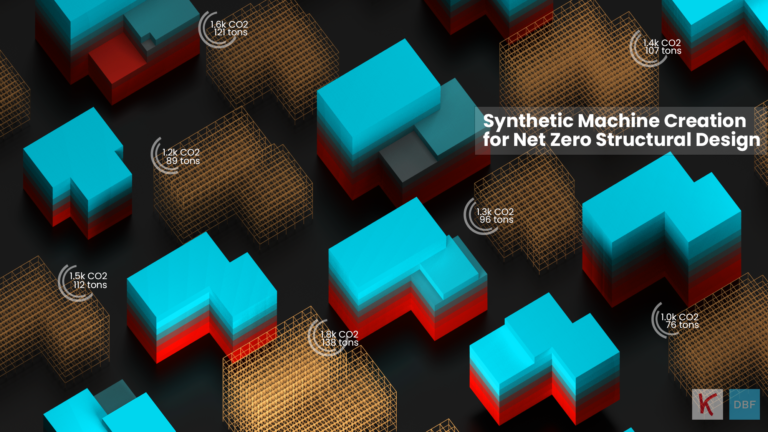
Synthetic Machine Creation for Net Zero Structural Design
Tutors: Rutvik Deshpande, Aleksei Kondratenko, Sayjel Patel, Clemens Preisinger, Matthew Tam
Host: Digital Futures
June 27–29, 9 am – 12 pm CEST
Cost: Free
Why NetZero Structural Design?
One way to help reduce global carbon emissions is to address the lifecycle carbon footprint of buildings in the early design stages.
However, building certification systems do not address the impact implications of embodied carbon emissions from the energy used to construct a building and during production.
Consequently, we must rethink the way we design structures driven by embodied carbon from the early design stage. The goal of our project is to use machine learning and synthetic data generation to bridge the gap between massing and structural design. This workshop will showcase experiments into structural design generation and carbon emission calculations using Machine Learning for architecture, with the intent of exploring methods to minimize the carbon footprint of our buildings.
How we can reimagine the way we design buildings through the lens of embodied carbon?
To answer this question, DBF (Singapore) and Karamba3D (Vienna) are joining forces to host a joint workshop for DigitalFutures 2022. During the 3 day collaboration, we will explore the use of Machine Learning (ML) and synthetic data generation to bridge the gap between massing and structural design.
Workshop participants will explore the following topics:
- Synthesizing massing data and its structural behavior
- Cleaning, storing, and training the dataset,
- Develop a machine learning model,
- Visualization of structural systems prediction integrated with embodied carbon analysis utilizing a user-friendly platform.
This workshop culminates in several experiments exploring structural design generation and carbon emission calculations using Machine Learning for architecture.
Required Skills: There are no prerequisites for this workshop, however basic programming languages such as JavaScript and Python, as well as a working knowledge of Karamba 3D, will be advantageous.
Required Software: Web-based platform for ease of usage
Required Hardware: Laptop or PC, Windows 10 or Later, and a Stable Internet Connection
Maximum number of participating students: 100

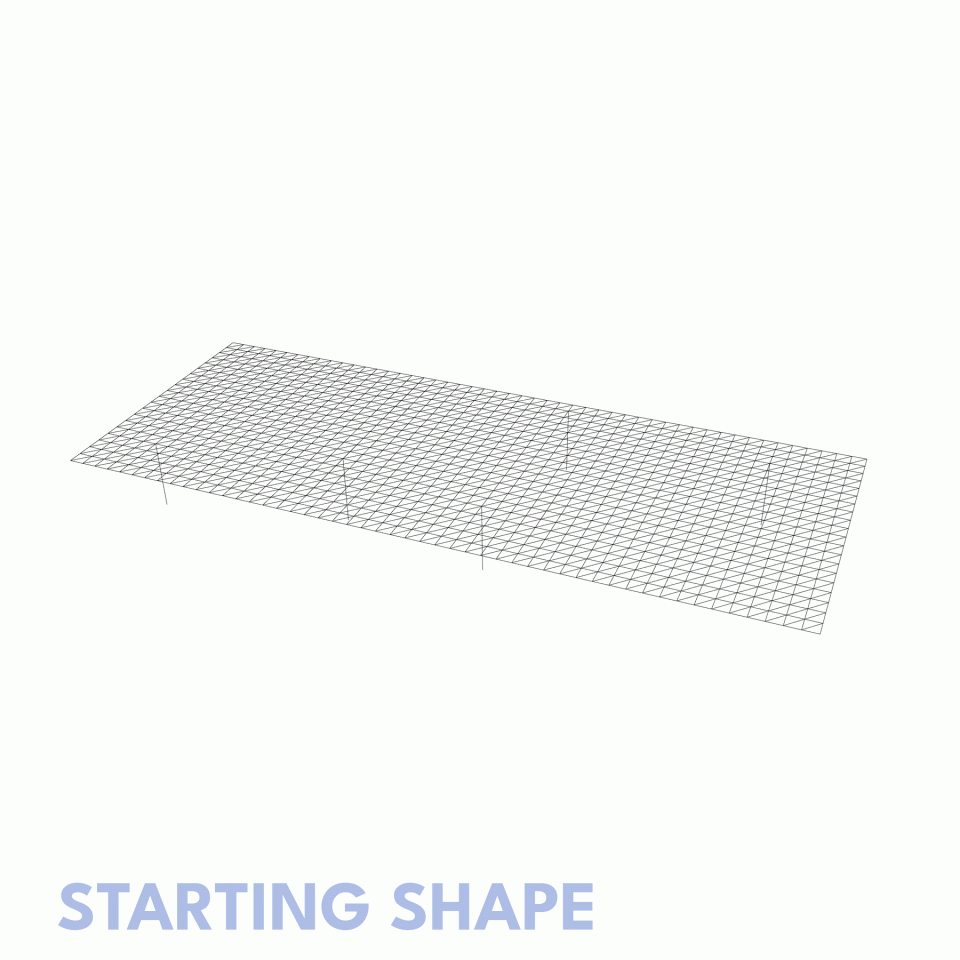
Karamba3D online workshop for intermediate and advanced users
Tutors: Clemens Preisinger, Matthew Tam
Host: McNeel Europe (Barcelona)
July 19–21, 10 am – 5 pm CEST
Cost: 300€ Full Fee | 150€ Student
This three day workshop is intended for intermediate to advanced users of Karamba3D. Clemens and Matthew will explore with you more advanced techniques of working with complex parametric structural models through to scripting using the Karamba3D API. You will also learn how to integrate Karamba3D into your BIM workflow while harnessing the power of third party plugins such as Rhino.Inside.Revit as well as GeometryGym.
Course Outline
Day 1 – Refresher
- Introduction
- Presentation of building projects
- Definition of a structural model with shells and beams
- Results retrieval and display for beams
- Form finding and structural optimization
Day 2 – Complex workflows
- Debugging and Optimizing Definitions
- Advanced Workflows with Grasshopper and Karamba3D
- Analyzing models in Revit with Rhino.Iniside
- Interoperability with IFC using GeometryGym
Day 3 – Scripting
- Introduction of the Karamba3D scripting API
- The ‘Hello Karamba3D’ script
- How to query model properties
- Retrieving element results
Course requirements: Prior knowledge of Grasshopper and Karamba3D is strongly recommended. Revit & Rhino.Inside is only recommended but not mandatory. A Karamba3D 1-year licenses for non-commercial use will be provided to the participants free of charge. Rhino 7 and GeometryGym licenses will be provided for the time of the workshop.
Online course fees: EUR 395,- (+VAT); full-time students and university teachers get a 50% discount (proof of status required). Please note, your seat is confirmed only after payment has cleared.
Max. number of participants for each course: 25. If there is no quorum, the course will be cancelled 15 days before. Participants will need to attend the course at the same time as the course runs.
Course language: English

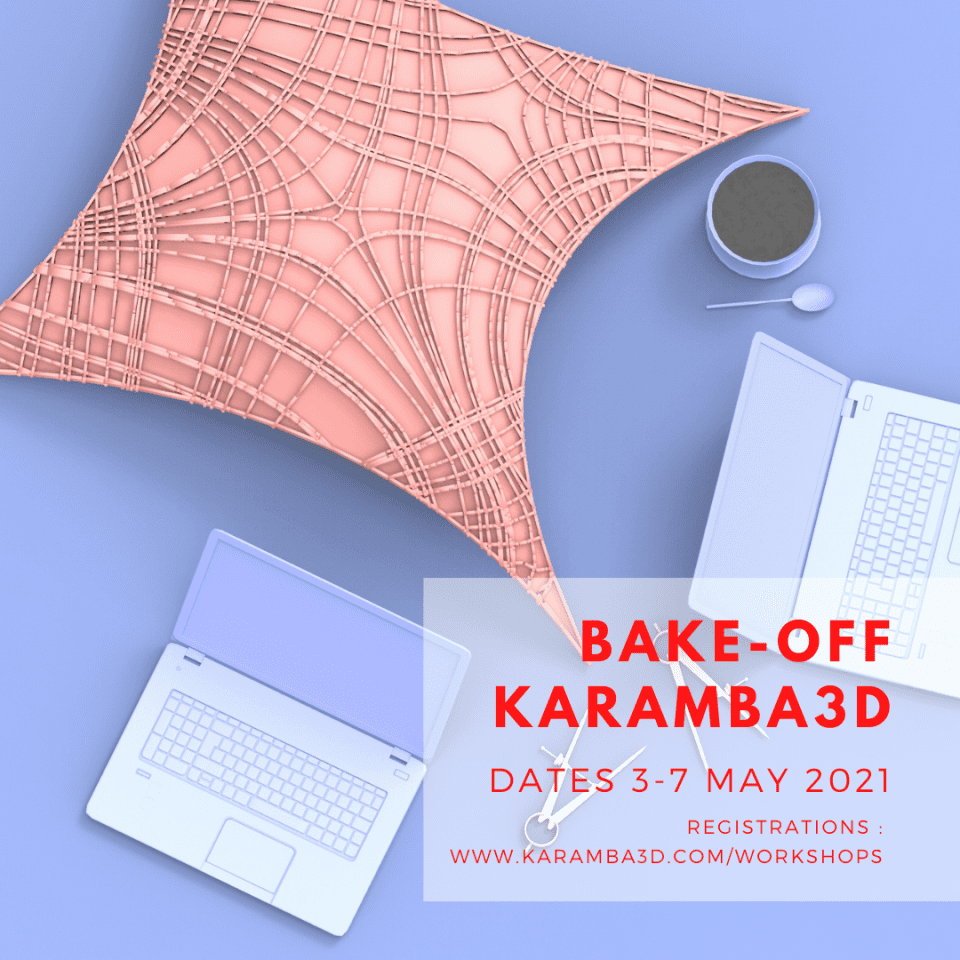
Online Bake Off
Tutors: Zeynep Aksöz, Clemens Preisinger, Matthew Tam
Host: Karamba3D (online)
June 27–29, 2022, 9 am – 12 pm CEST
Cost: 300€ Full Fee | 150€ Student
In the 2021 Bake-off Series, we will be exploring different themes and topics over a one week long course. We are inviting architects, engineers, designers to participate in this workshop focusing on parametric structures and design. Participants will be asked to develop a designed structural object within the parametric environment of Grasshopper3D. Lead by Clemens Preisinger, Zeynep Aksöz and Matthew Tam, we will guide you through a series of tutorials in Karamba3D, design critiques and review sessions.
This May, our focus will be on structural shells. The course will cover essential methods of design, analysis and optimization of shells using Karamba3D. The learned methods will be tested and further investigated through a case study, which will be developed during the course by each participant. The tutorial sessions will be accompanied by working sessions where the participants can ask specific questions to instructors.
The online course will be hosted on the Microsoft Teams platform. The course will be held in English.
What you will expect to achieve at the end of the workshop?
- Learn the basics of using Karamba3D
- Design, develop and optimization of structures
- Set up a parametric structural system using shell elements
- Work with Loads, load cases and load combinations
- Interpreting results
- Create basic animations from Rhino/Grasshopper
- Create an interactive cloud model
Software
No prior knowledge of Karamba3D is required for this course, but beneficial.
General knowledge of Rhino & Grasshopper as well as the basics of statics is highly recommended. You will gain access to our database of learning resources.
Karamba3D 1-year licenses for non-commercial use will be provided to the participants free of charge.
Participants should have a working license of Rhino3D – a three-month trial can be downloaded from the Rhino website.
There are five sessions in total, Monday-Friday: 9:00-11:30am CEST
8:00-10:30am BST | 3:00-5:30pm CST | 5:00pm-5:30pm AET
Each day there will be a tutorial session, a short work session as well as a feedback session.
Course Fee
Professionals (includes academic staff): 300 EUR + VAT
Students (max. 10 places): 150 EUR + VAT
Maximum seats: 20. If there is no quorum, the course will be cancelled 10 days before.